Add items to your Wish List to send to our team for pricing. We respond to enquiries within one working day.
Shure-AD221-Axient-Digital-PSM-2-Way-Passive-Combiner-Splitter-OutsShure-AD221-Axient-Digital-PSM-2-Way-Passive-Combiner-Splitter-Outs

Shure – AD221 Axient® Digital PSM 2-Way Passive Combiner/Splitter

Shure

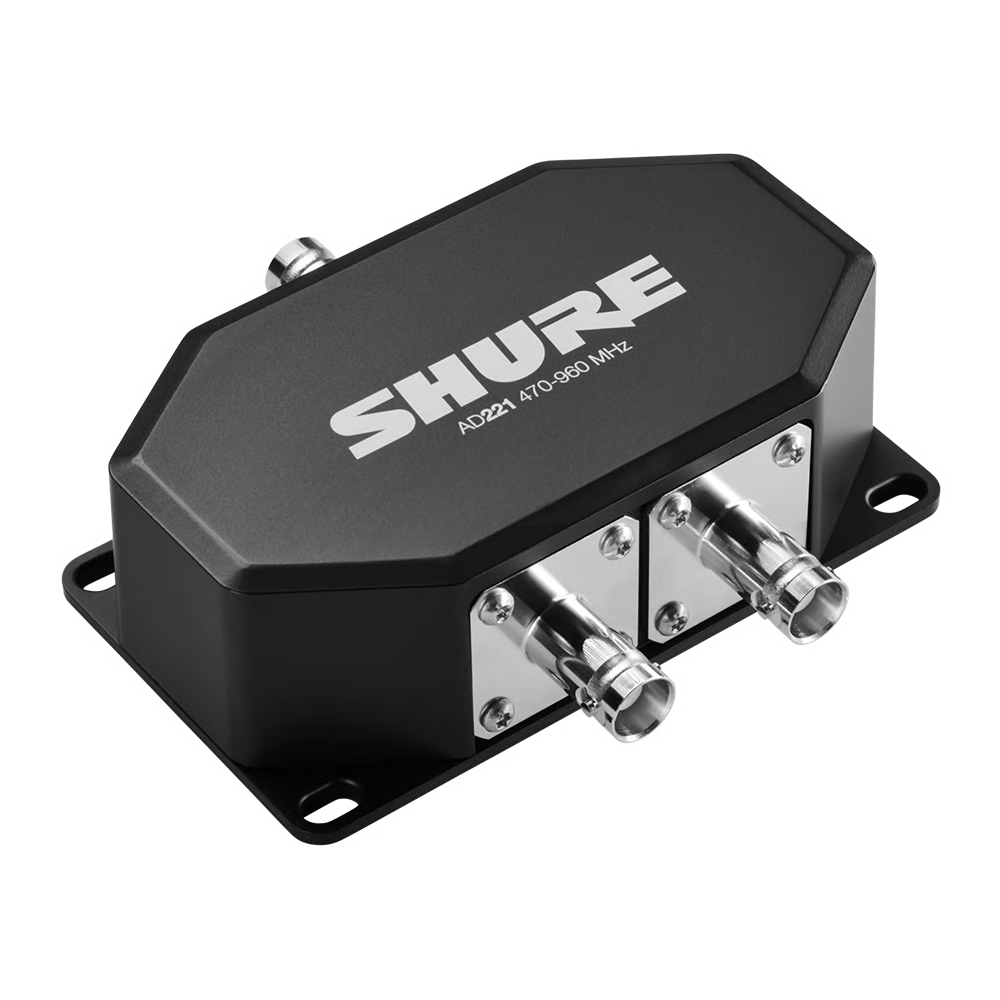
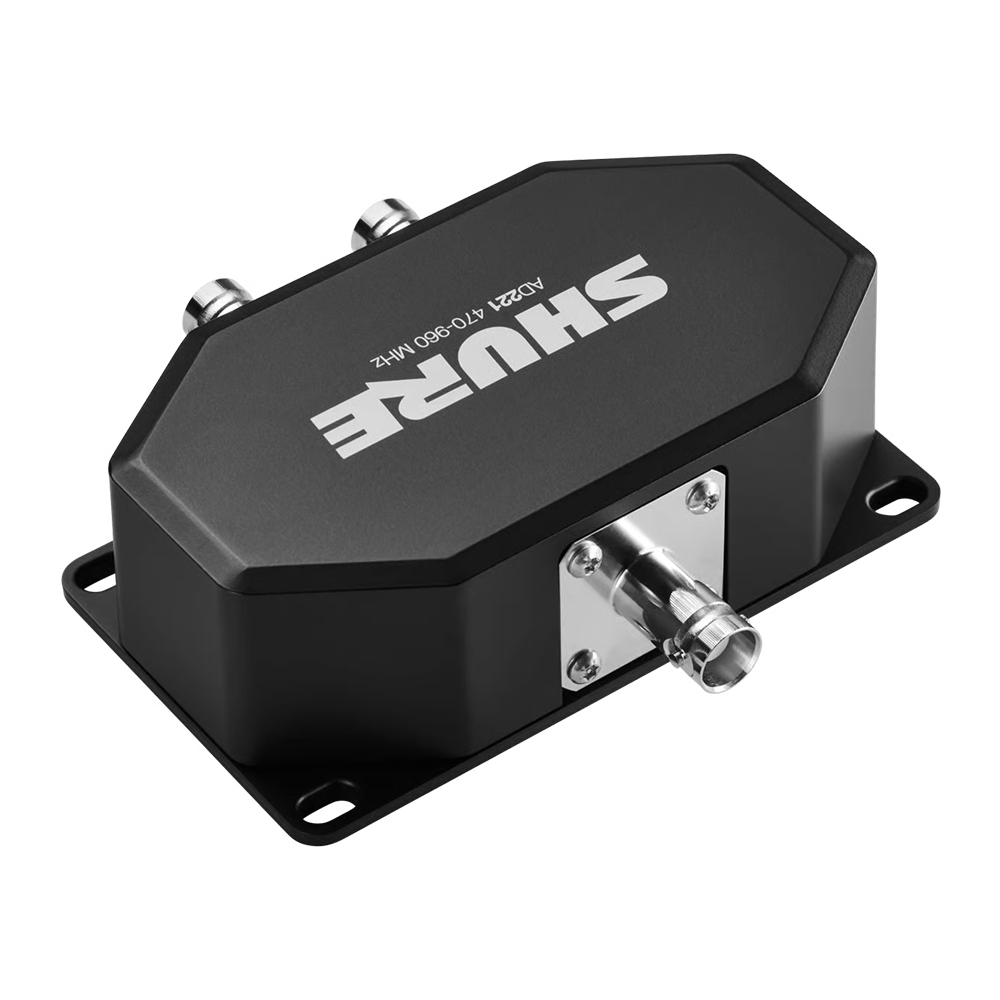
Shure AD221 2-Way Combiner/Splitter streamlines your use of multiple Axient Digital PSM systems at any venue. AD221 combines two incoming signals into one signal or splits an incoming signal into two outgoing signals. Shure AD221 2-Way Combiner/Splitter enables signal gain compensation with ADTQ or ADTD Axient Digital PSM transmitters, which helps defend against combiner level loss.

Description

Powered by Shure WMAS innovation*, Axient Digital PSM transforms in-ear monitoring with its unparalleled wireless quality and flexibility, enabling engineers and artists to set new benchmarks for creativity in live performances.

Welcome to a new era of live performance with Axient Digital PSM.

*The availability of WMAS features is subject to regional regulations and may vary accordingly. Contact your Shure local representative for specific details in your area.

Features

  • 2-WAY PASSIVE COMBINER/SPLITTER FOR AXIENT® DIGITAL PSM
  • Combines two incoming signals into one signal or splits an incoming signal into two outgoing signals
  • Signal gain compensation with ADTQ or ADTD Axient Digital PSM transmitters helps defend against combiner-level loss
  • Back plate designed for convenient mounting

In the Box

  • 1 AD221

Additional information

Dimensions

34 mm × 101.4 mm × 92 mm (1.3" × 4.0" × 3.6") H × W × D

Weight

251 g (0.55 lb)

Housing

Cast aluminum

Operating Temperature Range

-18°C (0°F) to 63°C (145.4°F)

Storage Temperature Range

-29°C (-20°F) to 74°C (165°F)

Connector Type

BNC (×3)

Frequency Range

470 – 960 MHz

Impedance

50 Ω

Insertion Loss

4 dB (typical)

RF Input/Output Configuration

> 20 dB (25 dB typical)
25 dB typical

RF Input

Peak: 36 dBm (4W)
Average: 27 dBm (0.5 W)

Downloads

User Guide Download