Add items to your Wish List to send to our team for pricing. We respond to enquiries within one working day.
Clearcom_HRM-4X_1.jpgClearcom_HRM-4X_1.jpg

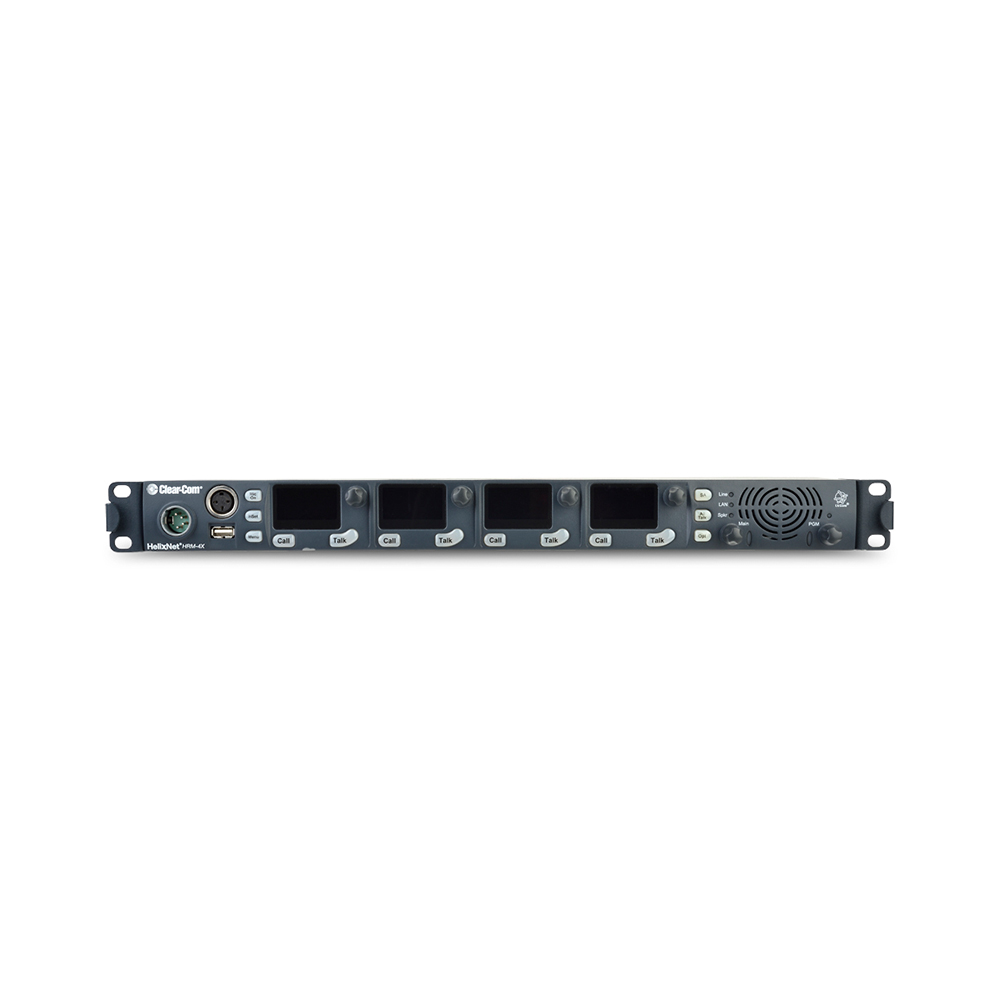
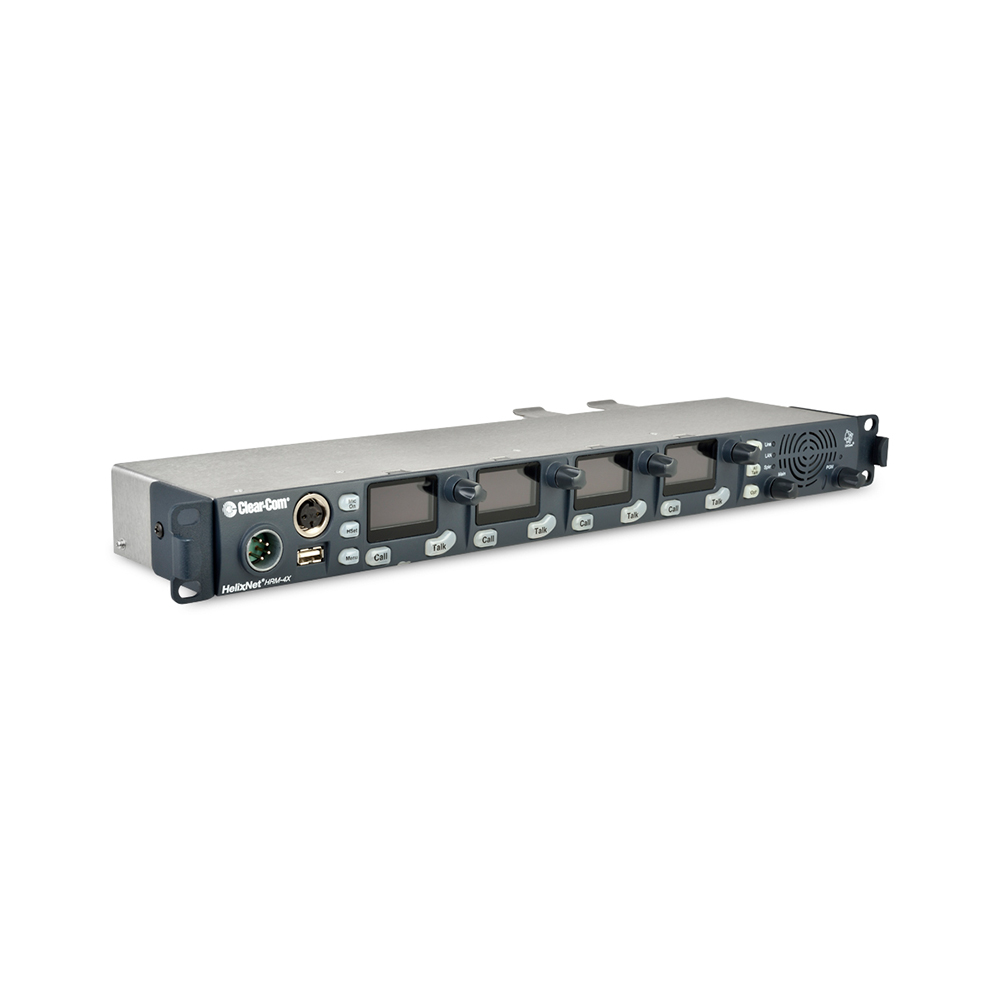
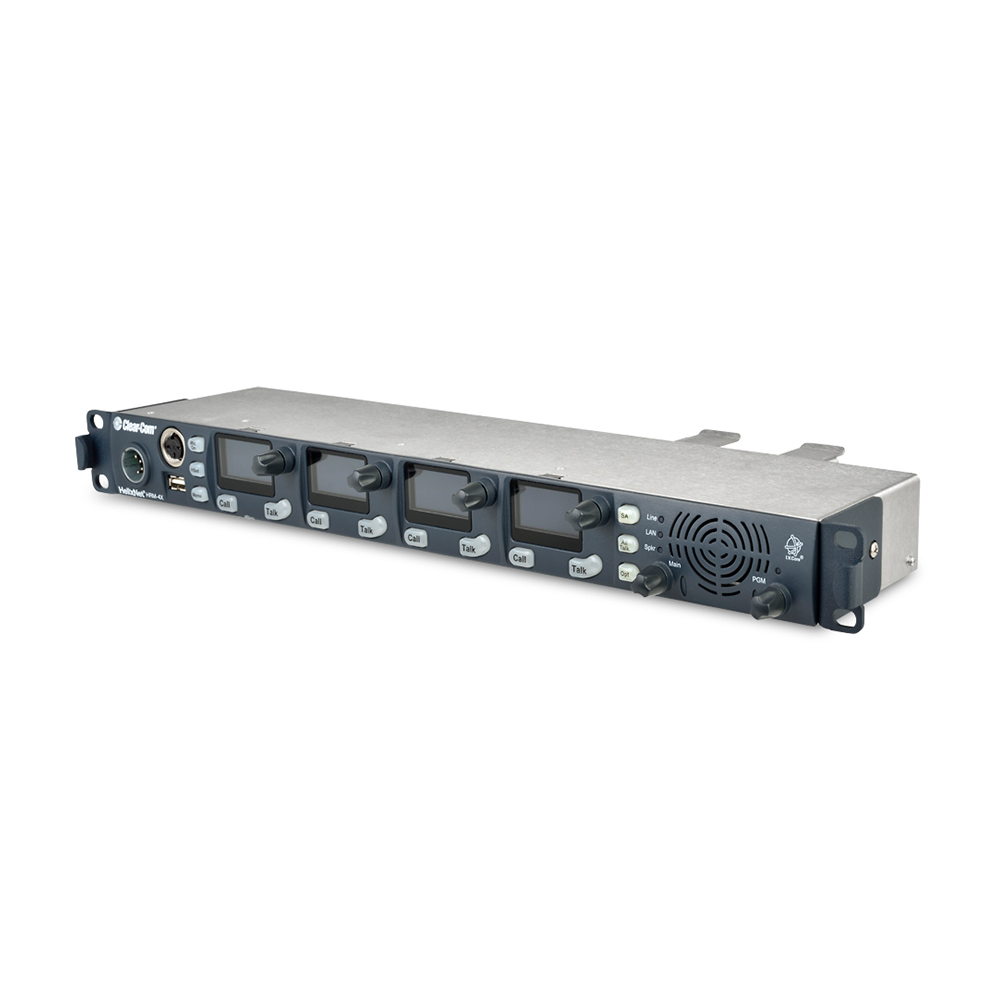
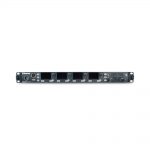
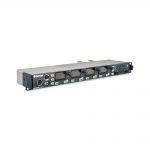
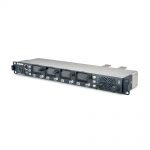
Clearcom – HRM-4X

Clearcom

4-Channel 1RU Digital Remote Station

SKU: CLEHRM-4X Categories: , , ,

Description

Feature Quick View

  • 4-Channel 1RU Digital Remote Station
  • Access to all networked channels of audio from main station
  • Expand main stations with remote stations to provide up to 24 keys in one location
  • Select any 4 channels from up to 24 channels of audio
  • Core Configuration Manager (CCM) browser-based tool
  • Assign to a pre-defined role to make sure multiple devices are configured identically
  • Connects to main station over mic or Ethernet cable
  • Powered by Powerline, Power-over-Ethernet (PoE) or AC/DC adapter (universal)
  • Rotary channel level controls
  • Speaker and Program level controls
  • Line/LAN Status indication
  • GPIO-DB-9 (1 Opto-Iso GPI, 1 GPO Relay)


Video

Turn HelixNet Main Stations into Expansion Panels (Instructional)

Did you know that you can use a HelixNet Main Station as an expansion panel? This instructional video shows you how to set up your HMS-4X to act as an expansion panel for a host Main Station.

Additional information

Weight 1.8 kg
Channels

Four local from any networked Main Station. One local and any networked program audio feeds (assignable to intercom channels).

Connectors

Intercom Line: (1) 3-pin XLR-M, (1) 3-pin XLR-F Intercom Line Pin Function: Pin 1: Ground Pin 2: +30V DC and Audio Pin 3: -30V DC and Audio Ethernet/PoE: Ethercon RJ-45 Headset: 4-pin XLR–M Gooseneck Mic: 3-pin Tuchel USB: Type A Program: 3-pin XLR–F SA (Stage Announce): 3-pin XLR–M Hot Mic/IFB Interface: 1/4” (0.64 cm) phone jack GPIO: 9 way D-type male (1 Opto-Iso GPI, 1 GPO Relays) DC Power: 3-pin to AC adapter (provided)

Microphone Pre-amplifier

Headset Mic Impedance: 200Ω (Dynamic) Headset Mic Voltage: 1.7V (Electret selectable) Limiter: +23dB The following specified for a route to four-wire output at 0dBu out: Mic Gain: 60dB (Dynamic), 45dB (Electret) Frequency Response: 300Hz – 10 kHz ±3dB Contoured for Intelligibility Distortion: <0.2% THD @ 1kHz Distortion: <0.2% THD @ 1kHz Noise: <-55dBu (Dynamic),<-65dBu (Electret)

Headphone Amplifier

Load Impedance: >32Ω Output Level: +12dBu before clipping Sidetone: -12dBu (selectable) The following specified for a route from a four-wire input at 0dBu in: Max Gain: 0dB Frequency Response: 180Hz – 11kHz +3dB Distortion: <0.1% THD @ 1kHz Noise: <-65dBu Headphone Limiter: 0dBu (selectable)

Loudspeaker Amplifier

Load Impedance: 8Ω Output Level: +18dBu before clipping The following specified for a route from a four-wire input at 0dBu in: Max Gain: 18dB Frequency Response: 200Hz – 10kHz ±3dB Distortion: <0.1% THD @ 1kHz Noise:<-50dBu

Program Line Input

Maximum Level Before Clipping: +18dBu Nominal Input Level: 0dBu (selectable) Input Impedance: >= 10KΩ The following specified for a route to four-wire output at 0dBu out: Frequency Response: 20Hz – 10kHz ±3dB Distortion: <0.2% THD @ 1kHz Noise: <-65dBu

Stage Announce Input

Maximum Level Before Clipping: 18dBu Nominal Output Level: 0dBu (selectable) Output Impedance: <= 100Ω The following specified for a route from a dynamic headset: Frequency Response: 300Hz – 12kHz ±3dB Distortion: <0.1% THD @ 1kHz Noise: <-55dBu

Hot Mic Input

Maximum Level Before Clipping: +12dBu Nominal Output Level: 0dBu (selectable) Output Impedance: <= 100Ω The following specified for a route from a dynamic headset: Frequency Response: 300Hz – 12kHz ±3dB Distortion: <0.2% THD @ 1kHz Noise: <-55dBu

Power

Via Powerline: 4W DC Voltage Range: ±30V Via AC Adapter: Input Voltage Range: 100 – 240VAC Input Frequency Range: 50 – 60Hz Input Power: <= 250VAC AC Adapter Power Connector: IEC60320- 1-C14 Via Power-over-Ethernet (PoE): Connector: RJ-45 Conforms to PoE standard: IEEE 802.3af-2003 Power Required: 13W

Environmental

32º – +104ºF (0 – +40ºC) 90% relative humidity

Dimensions

1.75 x 19 x 6.4 in (HxWxD) (44 x 483 x 165 mm)

Downloads

Spec Sheet Download
Quick Start Guide Download